
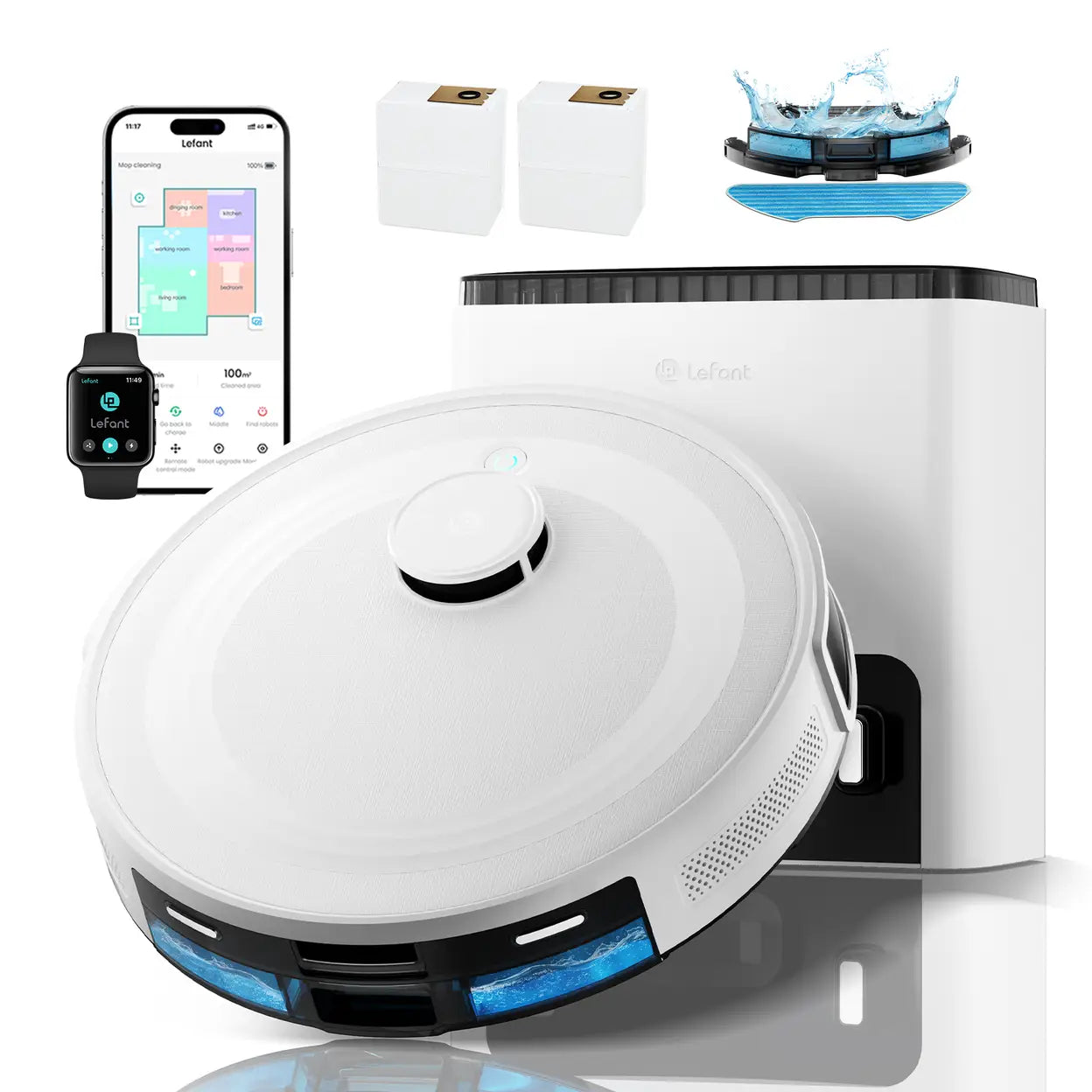


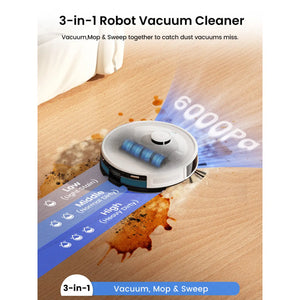


Lefant M2 Plus Robot Vacuum Cleaner 6000Pa with Automatic Dust-Draining Station, Laser Navigation with Mapping, 140Mins, Ideal for Pet Hair

Local Delivery
Fast delivery in Birmingham

Retail Return Deals
Amazon Overstock & returns

Eco Recycling
sustainably reused

Warehouse Viewing
See the item before buy
No Return Policy
Please note: All items are sold as seen and are not eligible for return or refund. We encourage customers to visit ourwarehouse to check the item in person before completing the purchase.
Guarantee Safe Checkout
Description
Product information
Brand : Lefant
Model Name: M2 Plus
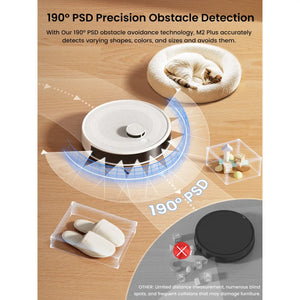
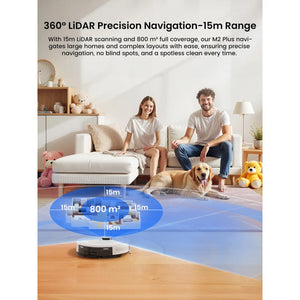
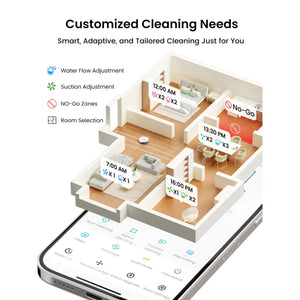
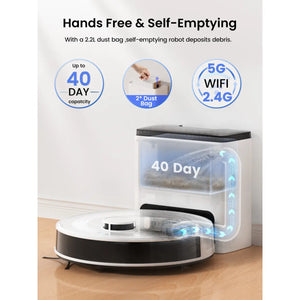
Special Features : (1)Bagless Automatic Dump Station (2)Custom Cleaning (3)DToF Navigation - Scan Range: 15m (4)PSD Obstacle Avoidance (5)Works with WiFi/APP/Alexa Product Dimensions : 358*355*240mm
Weight : 6.2kg
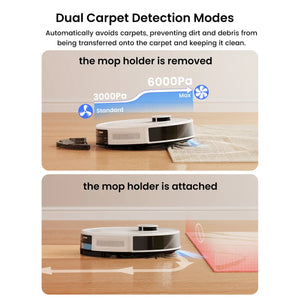
Max. Suction : 6000Pa
Navigation : dTOF Laser Navigation
Obstacle Avoidance : PSD Obstacle Avoidance Technology
Cord Length (m) : WireLess
Filter Type : Hepa Filter
Battery Life : 140 minutes
Voltage : 100-240V
Connection : WiFi(2.4G&5G)/Bluetooth
Dust Box Capacity : 150ml
Dust Bag Capacity :2.2L
Water Tank Capacity : 300ml
Battery Capacity : 3200mAh
Usage Instructions
1. Preparation Work
Press the power cord firmly into place as shown in the illustration.
2. Align and install the side brush onto the robot. When you hear a "click" sound, it indicates that the installation is in place.
3. Remove the protective films from the robot and the base station.
4. Power On and Charge
Press and hold the power button to turn on the device. After waiting for the power indicator light to stay constantly on and for the voice prompt, place the robot in front of the base station. Make sure that the base station is powered on. Press the power button twice briefly, and the robot will automatically return to the base station for charging. For daily use, keep the robot in a charged state to maintain the battery performance.
During charging:
* When the battery level is less than 50%, the purple light breathes.
* When the battery level is greater than 50%, the blue light breathes.
5.Charging station maintenance
1. Clean the Charging Spring Contact on the base station with a dry cloth to ensure smooth charging.
2. Clean the Infrared Signal Transmitter on the base station with a dry cloth to prevent signal interference.
3. Clean the dust collection port on the base station
with a dry cloth.
4. Open the Dust Collection Chamber Upper Cover. Take out the disposable dust collection bag and discard it.When taking out the bag,
please do not let the garbage leak inside the dust collection chamber. Keep the chamber clean.
5. Insert the new Disposable Dust Collection Bag into the card slot. Please ensure that the Disposable Dust Collection Bag is inserted all the way to the bottom to avoid garbage leakage and damage to the base station. After installation, spread the dust bag out flat. Then install the Dust Collection Chamber Upper
Cover in place to ensure a complete fixation and seal.


